School photography
School Photography Software for Modern Picture Days
Plan, sort, and sell school photos online – commission-free, secure, and with fully automatic photo assignment via app.
- One QR photo card per child
- No scanner
- 0% commission

The problem
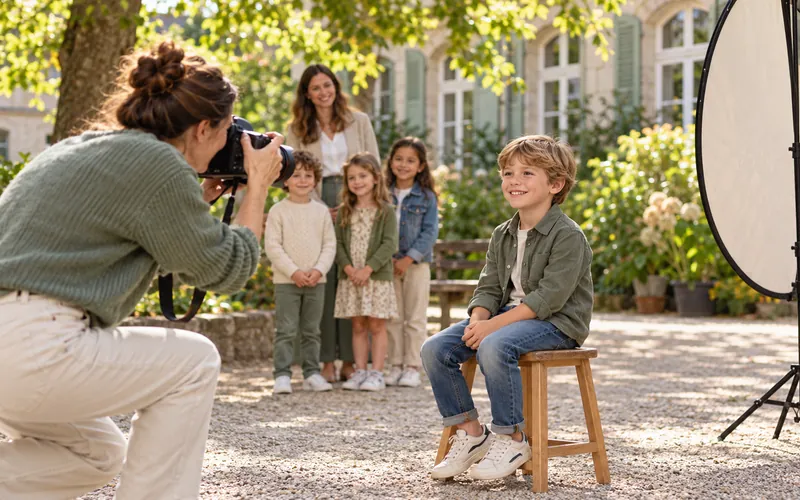
Why School Photography is Often Exhausting
Classic workflows consume time, create errors, and reduce margins. Many photographers struggle with the same hurdles:
- Tedious manual sorting of hundreds of pupil photos after the picture day.
- High sales commissions of up to 25% with traditional providers cut into profits.
- Expensive barcode scanners, dongles or special hardware that are error-prone and slow the picture day down.
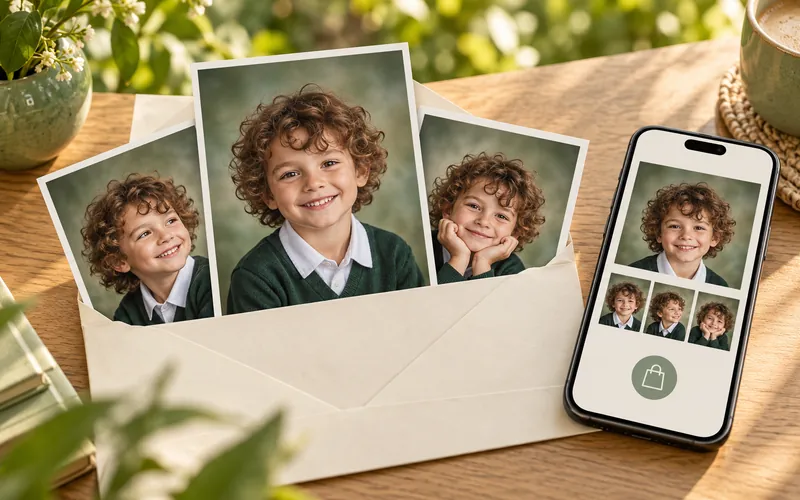
- Confusing photo folder management and lengthy ordering processes for parents.
The solution
The Modern Solution for School Photographers
Pixalo digitalizes your entire workflow from prep to fully automated online sales.
Free Smartphone App
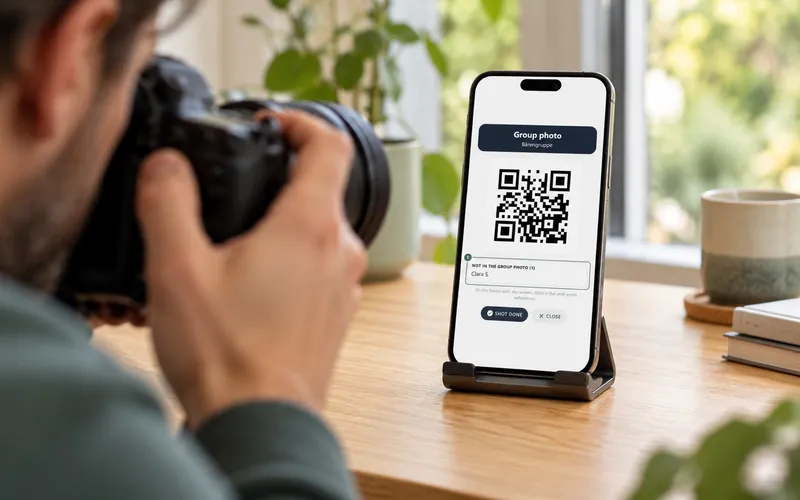
Child list in card order, cards on the display and consent notes on set with our iOS and Android app. Classes and lists are managed in the dashboard.
Assignment by QR photo card
The card in the frame separates the shots. On upload the system files every photo under the right pupil.
GDPR-Compliant Galleries
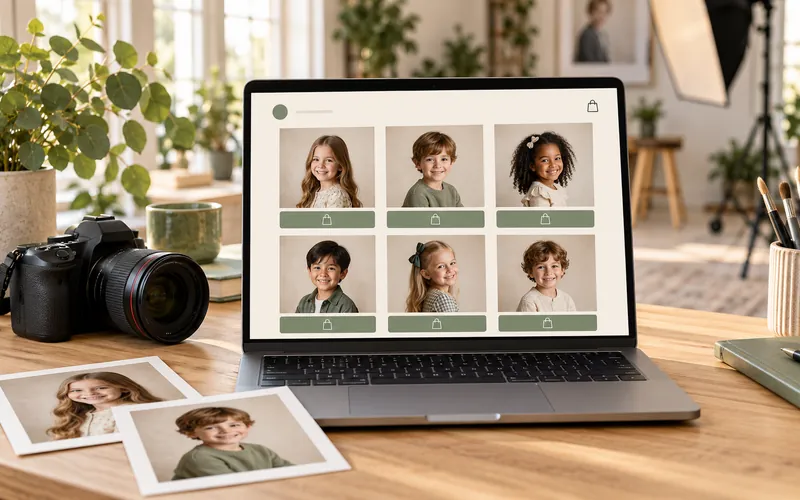
Secure parents shop with unique access codes. Multi-factor hosting on German servers (Frankfurt).
The workflow
In 3 Steps from Shooting to Commission-Free Sale
Shoot the card, shoot the child, upload. No manual sorting, no extra devices.
- 01A · CardCreate the event and print the cardsCreate the event in the Pixalo dashboard and import the pupil list. Then print the QR photo cards, one per pupil plus the group card.
- 02A · ChildShoot the card and shoot the pupilOne shot of the pupil’s card, then the portraits. For the next pupil, the next card.
- 03A · UploadUpload & Sell Commission-FreeUpload all photos. Pixalo matches and publishes galleries. Payments land directly in your account.
Your advantages
Your Advantages with Pixalo
All features are included with unlimited use and 0% commission.
- 0%
0% Revenue Commission
We charge zero commission fees on your sales. Keep every cent of your hard-earned photography revenue.
- 0 devices
No Extra Hardware Needed
Forget scanners, radio dongles and special lab labels. Your camera and a printer are enough.
- Frankfurt
Servers in Frankfurt, DPA in your account
Keep client and child data secure. Automatically generate parents data processing agreements (DPA).
- Your prices
Flexible Packages & Shop
Create custom downloads, print sizes, discount packages, and voucher codes dynamically.
The toolkit
Everything a school photographer needs around picture day.
Sorting is only the start. Pixalo covers the whole season: parent letters, registration, gallery, sales and data protection. Each pencil leads to the right page.
- TemplatesParent letter, consent form, poster and class list, ready to fill in.
- Plan picture dayRunning order, schedule and the order of classes.
- QR matchingHow the card in the frame brings every photo to the right child.
- Sell onlineHow parents find, order and pay.
- Data protectionGDPR, data processing agreements and deletion periods.
- CostsSubscription, commission and mixed models compared.
Regional · United States
School photography in the United States
Picture day in the US is agreed school by school, and the software has one job: get the roster in, get every student matched, get the parents a gallery, and get a file your lab accepts.
Roster in. Pixalo reads a class list from Excel, CSV, text, XML, Word or PDF, or from a photo of a printed roster, which the app reads with the camera. Every row is shown before the import runs, and rows it could not read come back as a CSV you can fix and upload again. Nothing has to be retyped, and no connector to the school's student information system is needed to start.
Picture day and matching. Each student gets one printed QR card: photograph the card, then the student, then the next card. At upload Pixalo recognizes the card frames and splits the shoot along them, so no one sits comparing file names against a roster. Families with several children share one gallery and one cart (up to five access codes), and a sibling discount applies by itself. Retakes use the same card: photograph it again, upload into the same job, and matching runs exactly as it did on picture day.
Data out. The lab export writes CSV or XML in the layout your lab expects: you set the field names, the structure, the delimiter, the encoding and the header row, with a live preview of the file before it leaves. The ordered originals travel in the same ZIP, and your own article numbers map to the lab's article codes. A separate portrait export gives you one file per student, sorted into one folder per class with a name list, for ID cards, school administration software or the yearbook. Parents pay by card or PayPal through Stripe, and Pixalo takes no commission on the sale.
Quick dossier · United States
- Institutions
- Daycare, preschool, elementary, middle and high school
- The day is called
- Picture day (photo day in the UK)
- Roster in
- Excel, CSV, text, XML, Word, PDF, or a photo of a printed list
- Data out
- Lab export as CSV or XML in your own field layout, with the originals in one ZIP
- Portrait export
- One file per student in one folder per class, plus a name list, for ID cards, school admin software or the yearbook
- Payments
- Card and PayPal through Stripe, no commission on sales
- Server location
- Frankfurt, Germany
What it is called on site
- Picture day
- Retakes
- Roster
- Homeroom
- Grade level
- Siblings
- Access code
- Parent gallery
- Yearbook
- Composites
- Green screen
- Lab order
Two words on that list name things Pixalo does not do: there is no green-screen background replacement and no composite builder. What it covers is the day itself and everything after it: roster, matching, access codes, parent galleries, orders, payouts and the file your lab receives. This section describes product behavior, not law; what a district requires of you is a question for the district.
Last checked: October 25, 2026
How this works in practice
Step-by-step guides from the Pixalo documentation.
Questions
Frequently Asked Questions
Answers to the most important questions about our software.
Every pupil gets a printed card with a QR code. On set you shoot the card first, then the pupil. After the upload Pixalo recognizes the card shots and assigns everything between two cards to the right pupil. Open cases appear in the control view and take two clicks to fix.
No. You print the QR photo cards yourself from the dashboard, on normal paper. The card is shot with the same camera as the pupil. No scanner or radio transmitter needed.
Yes. Pixalo runs a view-first (proofing) model: families open the gallery with their access code, see the photos, then order. You can configure your store to sell high-resolution digital file downloads, standard prints, and customizable packages (e.g. 3 prints + 2 downloads) provisions-free.
All photo files and customer data are isolated and securely hosted on ISO-certified servers in Frankfurt, Germany. We provide integrated data processing agreement (DPA) templates directly in your dashboard.
Pixalo starts at $11.00 per month and keeps 0 % commission on your sales. Parents pay through your own Stripe or PayPal account. Current tiers are listed on the pricing page.
Get started
Start commission-free today
* Standard transaction fees from payment providers (Stripe/PayPal) may apply.
- Used by professional photographers – from weddings to schools and daycares
- 0% commission & direct payouts to your account
- Your own brand, logo, and domain (White-Label)
- Hosted in the EU: AWS data center in Frankfurt